

Mobile Driver’s License
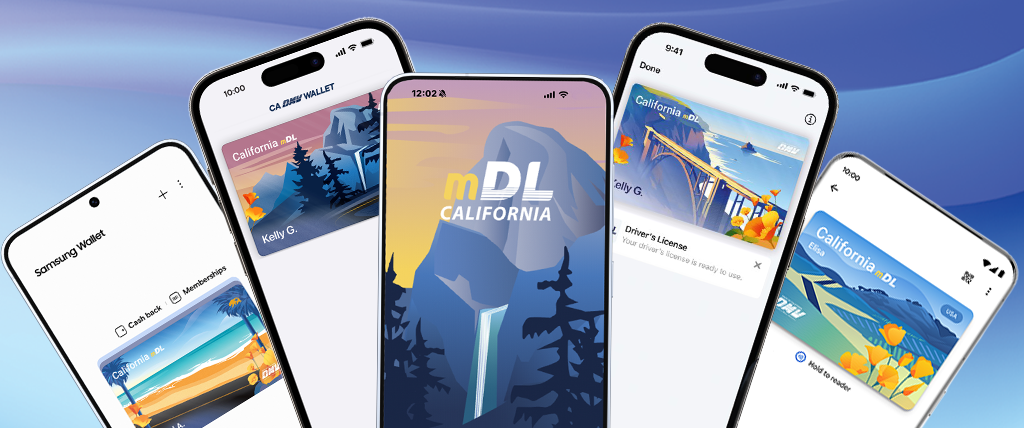
The California mDL is a free, secure, and convenient digital ID. Try it.
Vehicle Title
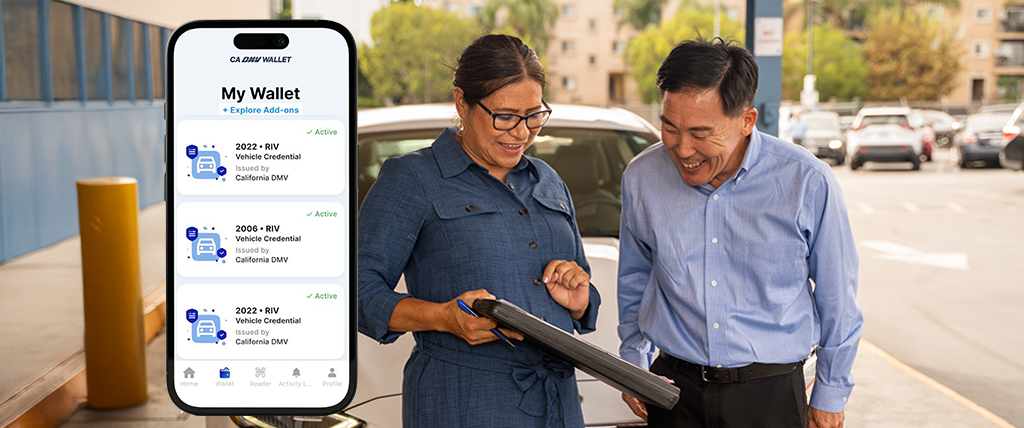
Securely carry your vehicle title wherever the road takes you.
Parking Placard Identification
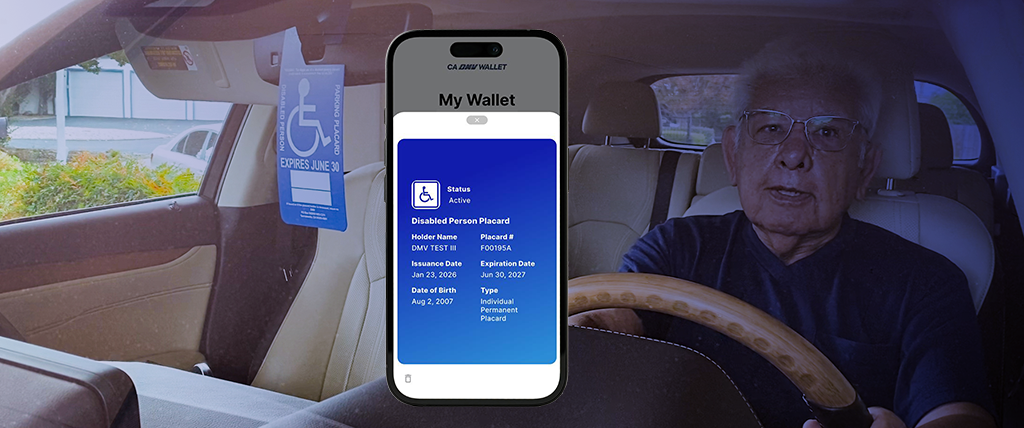
Upgrade the way you carry your Disabled Person Parking Placard (DPPP) identification.
Join the Pilot – Download California’s first mDL today
California’s mobile DL/ID lets you show your ID on your phone—free, digital, secure, convenient, and no physical card needed. The pilot is limited to 4.2 million people.
How to Join the mDL Pilot


-
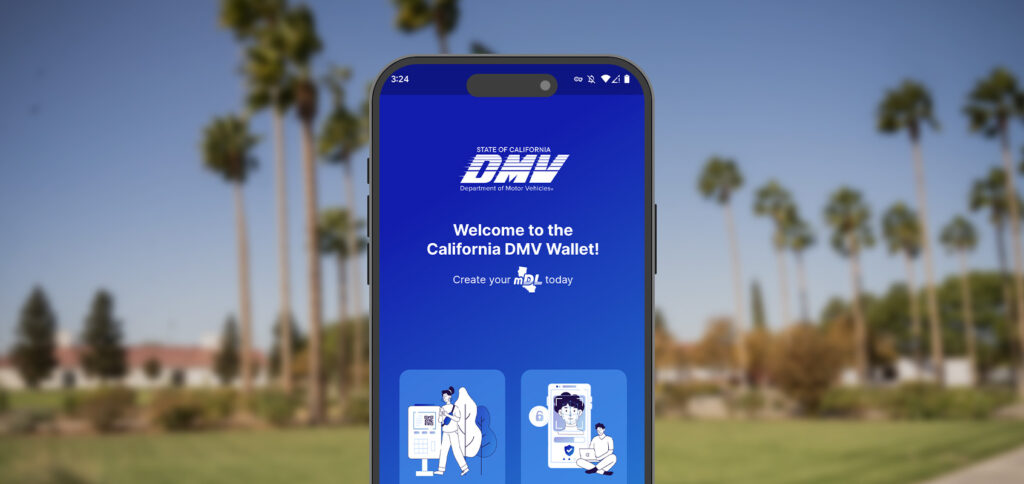
Download the CA DMV Wallet app from the Apple App Store or Google Play.
Note iPhone Users: iPhone XS or later with iOS 17.5 or above, or Apple Watch Series 4 or later with WatchOS 10 or above.
Android Users: Android 9 or above with NFC hardware. -
Launch the app and log in to your MyDMV Account or create one. Provide your DL/ID and other information.
-
Follow prompts to scan your physical DL/ID card.
-
Refresh your mDL every 30 days by tapping “Refresh Driver’s License.”
Where to Use the mDL
Important Usage Information
– Continue to carry your physical driver’s license or state-issued ID card. Many law enforcement, government agencies, and businesses do not accept the mDL yet.
– Usage is not tracked, and no data leaves your device without your consent.