

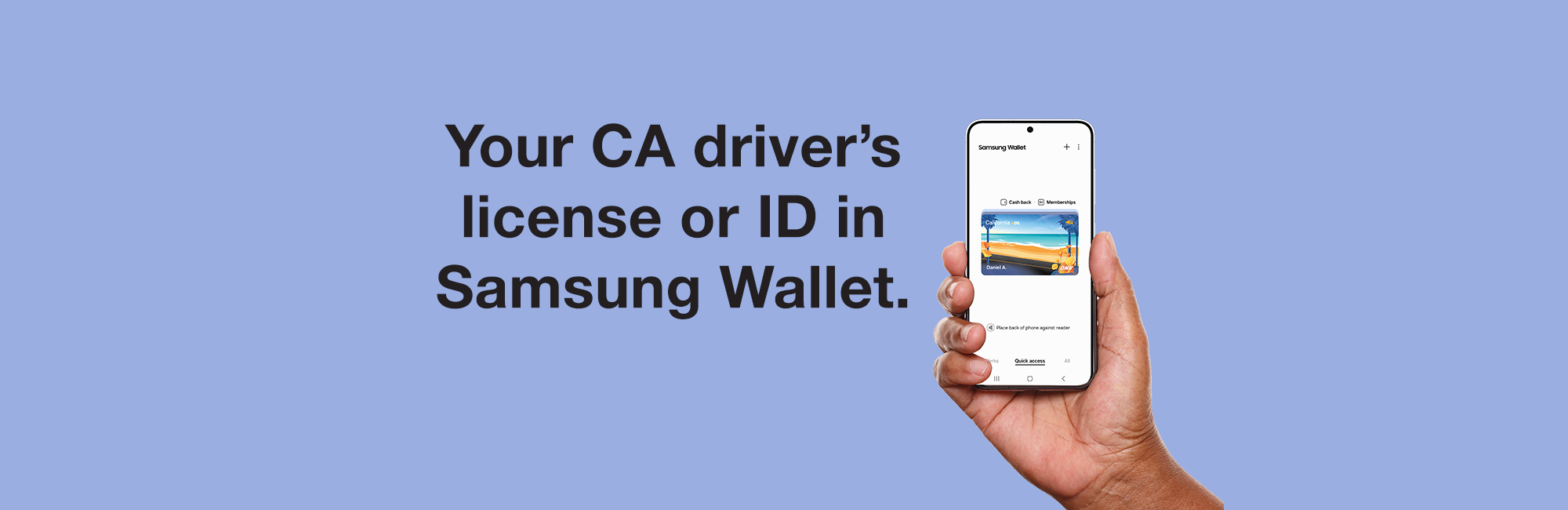
Add Your ID to Samsung Wallet
Now you can add your California driver’s license or state ID to Samsung Wallet.
The mDL is a voluntary, secure, digitized version of your state-issued driver’s license or identification card in Samsung Wallet. It offers even more security than the physical card because you can choose what personal information to share with others. It is currently the only mobile phone-based identification that TSA recognizes.
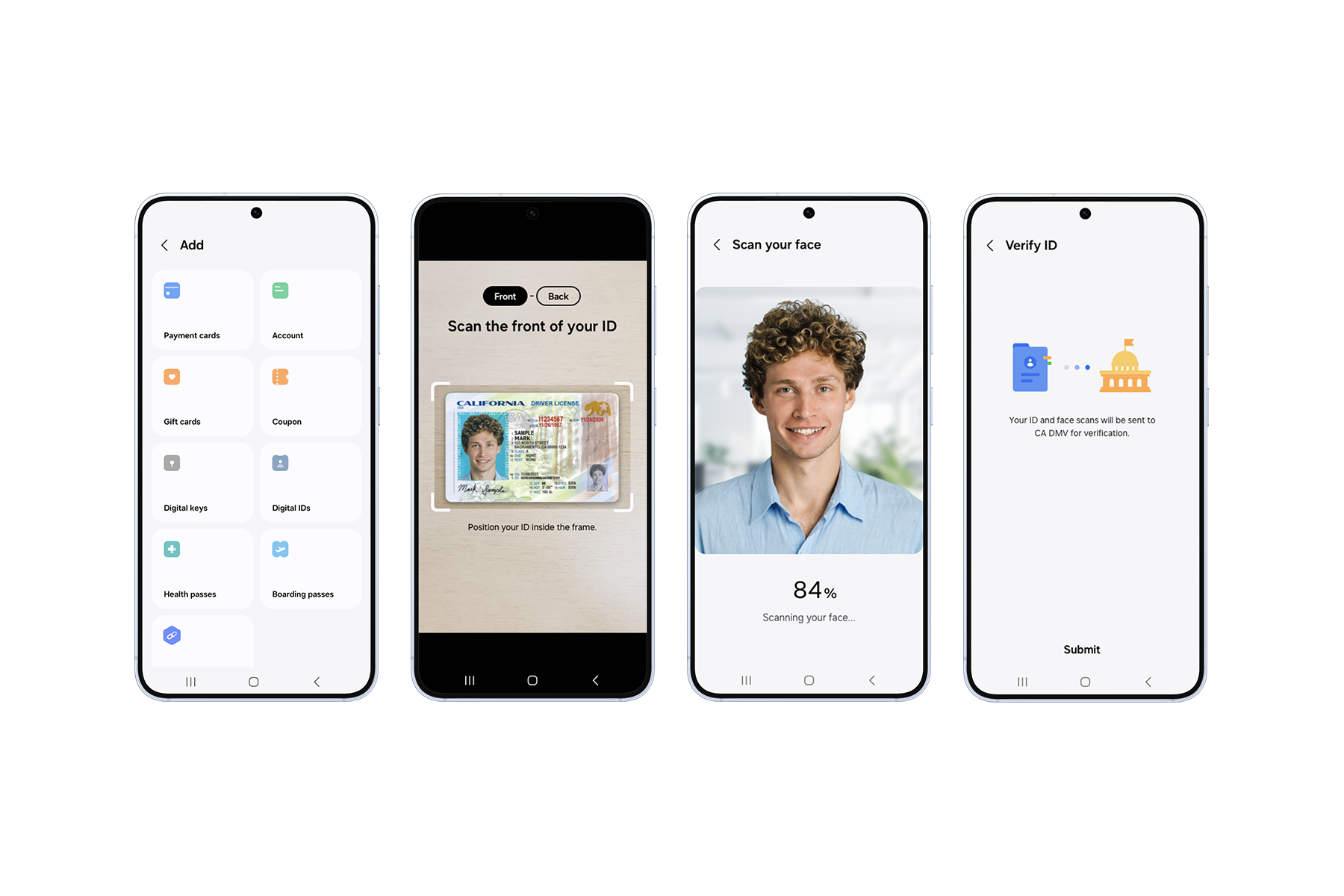
How to Add Your ID to Samsung Wallet
-
Open the Samsung Wallet app to the Quick access tab and select the + button.
-
Select Digital IDs, tap the Driver License/State ID icon, then scan the front and back of your driver’s license or state ID.
-
Follow the on-screen instructions for face scan verification.
-
Select Submit and authenticate by fingerprint or PIN.
Questions? Ask the mDL Assistant
Important Usage Information
– Continue to carry your physical driver’s license or state-issued ID card. Law enforcement, state government agencies, and businesses aren’t yet accepting the mDL.
– The mDL is currently authorized for limited usage. There are many participating airports across the United States.
– Usage is not tracked, and no data leaves your device without your consent. The mDL provides accurate, secure proof of identity to the businesses you interact with and lowers the potential for fraud and identity theft.